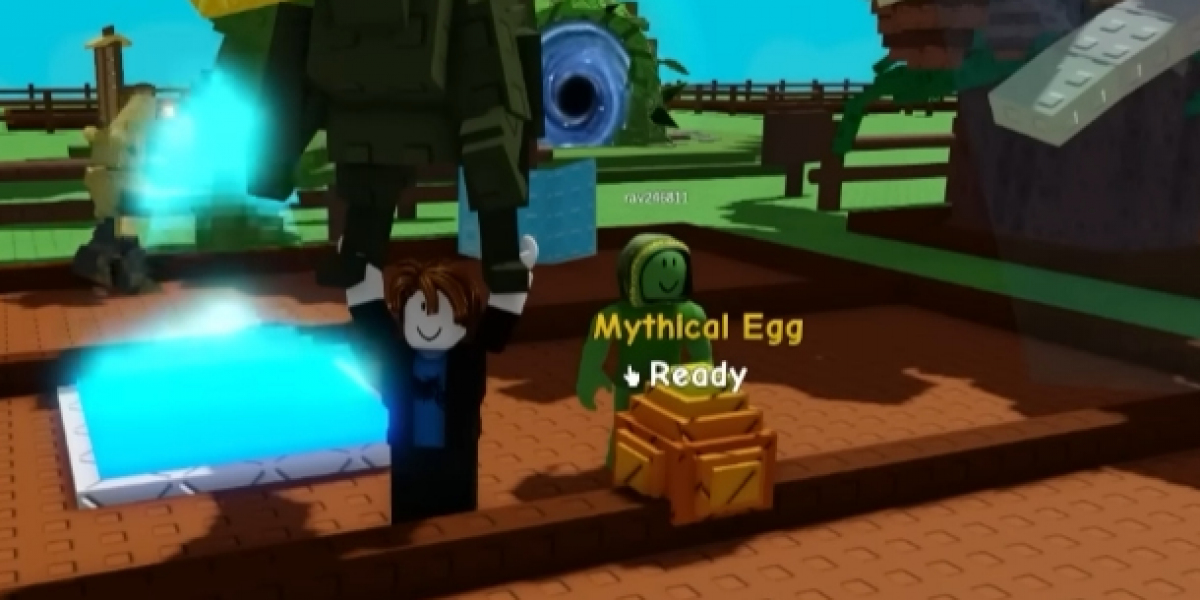

Growing your space in Grow A Garden feels exciting at first, but it can quickly turn into a mess if you expand without a plan. Many players rush to unlock new plots, only to realize their garden layout becomes hard to manage, slow to harvest, and visually confusing. I have made that mistake myself more than once. The good news is that with a bit of planning and patience, you can expand smoothly while keeping everything neat and efficient.
Understanding Why Layout Matters Early
In Grow A Garden, space is more than just room to place more plants. Your layout affects how fast you can move, how easily you can collect resources, and how enjoyable the game feels overall. A clean layout saves time and reduces stress, especially as your garden grows larger.
This is especially important because many players discover the game through Roblox, where sessions are often short and casual. You want to log in, make progress, and feel rewarded, not confused by clutter. Thinking about layout early helps you avoid tearing everything apart later.
Plan Your Expansion Before You Unlock New Areas
Before expanding, stop and look at your current setup. Ask yourself a few simple questions. Where do I usually walk the most. Which areas do I visit every time I log in. What feels slow or annoying right now.
Try to expand in one direction instead of spreading out randomly. A straight expansion path makes it easier to organize crops, decorations, and utility items. Leaving empty buffer spaces between sections can feel wasteful at first, but those gaps are lifesavers later when you need to adjust or add new features.
I usually sketch a rough plan in my head before unlocking a new plot. Nothing fancy, just a clear idea of what goes where.
Group Similar Items Together
One of the easiest ways to keep your layout clean is grouping similar items. Crops with similar growth times should stay close to each other. Decorative items should have their own area instead of being mixed into farming zones. Storage and crafting tools work best when placed near paths you already use.
When everything has a clear purpose, expansion feels like adding a new room to a house instead of throwing furniture into an already full space. This also helps younger players understand their garden better, since each area has a clear role.
Think Carefully About Helpers and Companions
As your garden grows, helpers become more useful, but they also take up space and influence how you move around. Some players choose to buy grow a garden pets early to speed things up. This can be helpful, but it is important to plan where these companions will operate.
Giving helpers clear working zones prevents them from blocking paths or clustering in awkward spots. I like to leave open corners or side lanes specifically for them. That way, they support my expansion instead of getting in the way.
Keep Paths Simple and Wide
Paths are often overlooked, but they are the backbone of a good layout. Narrow paths might look efficient at first, but they become frustrating once your garden fills up. Wide, straight paths allow smoother movement and make future expansion easier.
Whenever I unlock new land, I build paths first before placing anything else. This makes the whole area feel organized from the start. Even if you change your mind later, having a clear walking route keeps things manageable.
Expand in Phases, Not All at Once
It is tempting to unlock several new areas in a row, especially when you have enough resources. However, expanding too fast often leads to clutter and confusion. Instead, expand in phases. Unlock one area, organize it fully, then move on to the next.
This approach helps you learn what works and what does not. You may realize that a layout idea sounded good but feels awkward in practice. Fixing small sections is much easier than fixing your entire garden at once.
Managing Pets Without Creating Chaos
Later in the game, grow a garden pets can add a lot of value, but only if they are managed properly. Each pet has movement patterns and interaction ranges that can affect nearby objects. If you place them randomly, they may overlap with crops or paths.
Try assigning pets to specific zones that match their strengths. Keep those zones clear and avoid stacking too many functions in one place. This keeps your garden readable and reduces visual noise, which is especially helpful for younger players or anyone playing on a smaller screen.
Learn From Other Players, But Adapt Ideas
Community screenshots and videos are great for inspiration, and I often browse discussions where players share layouts or expansion tips. You might even see mentions of platforms like U4GM when people talk about game resources and progression. Take ideas from these conversations, but do not copy blindly.
Your play style, screen size, and patience level matter. What works for a hardcore player may feel overwhelming to someone who just wants to relax and grow plants after school.
Accept That Redesign Is Part of Growth
No matter how careful you are, you will eventually want to change something. That is normal. A good layout is not one that never changes, but one that is easy to adjust. Leaving flexible space and simple patterns makes redesign less painful.
I used to think rebuilding meant failure. Now I see it as progress. Each redesign teaches you something new about how you play the game.
All You Need to Know: Roblox Rivals No Hacks & No Cheating Guide – How to Win Fair